Hello World
Geometry Nodes is a powerful Blender feature allowing the creation of amazing 3D models.
However, nodes trees can rapidly look like a spaghetti plate difficult to understand and to maintain;
complex formulas are not easy to build; and debugging can be a headache.
The purpose of geonodes is to to create geometry nodes with python scripts.
You keep the full power of Blender Geometry Nodes but with the elegance of Python.
Better a demo than long words
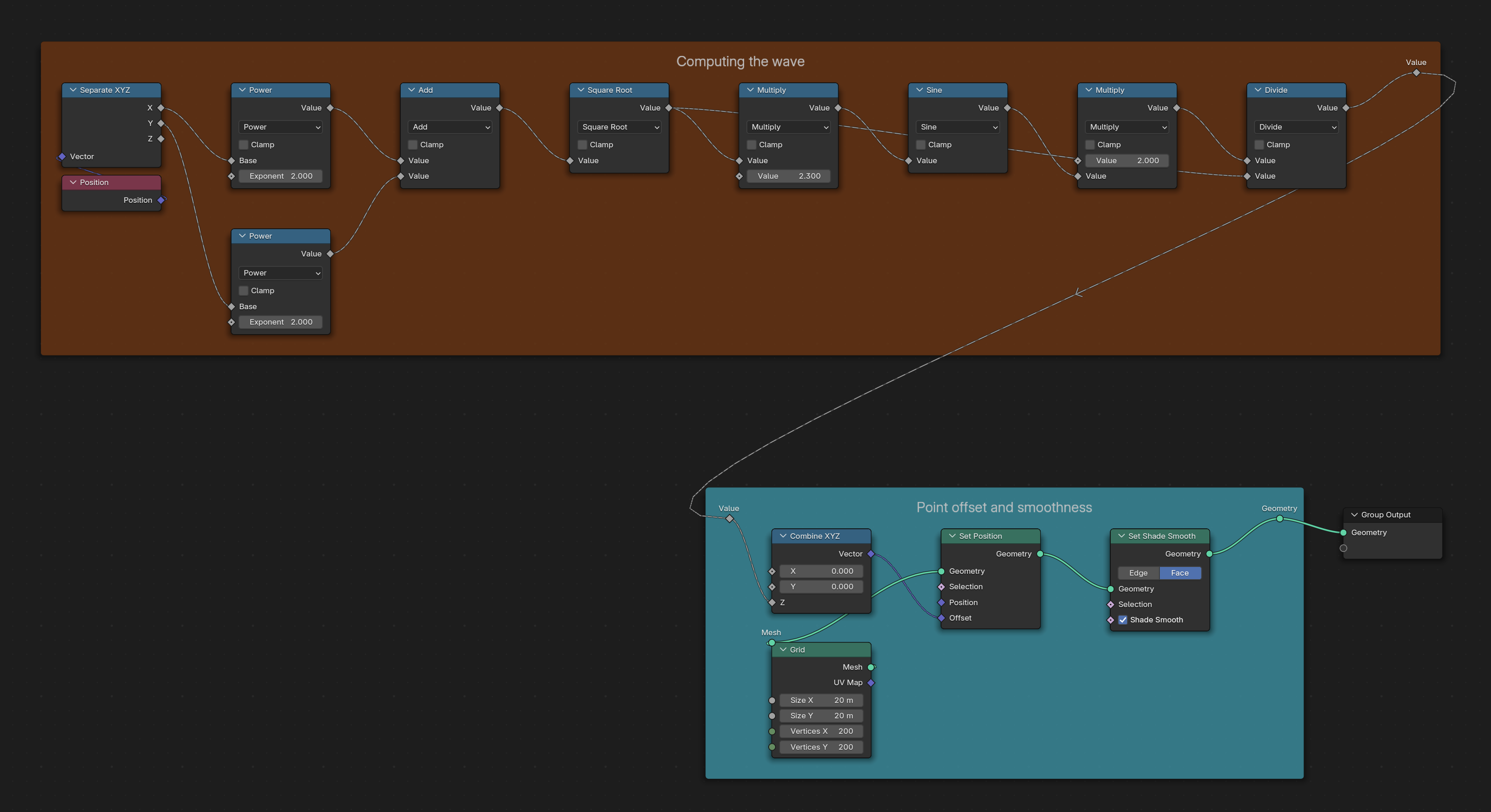
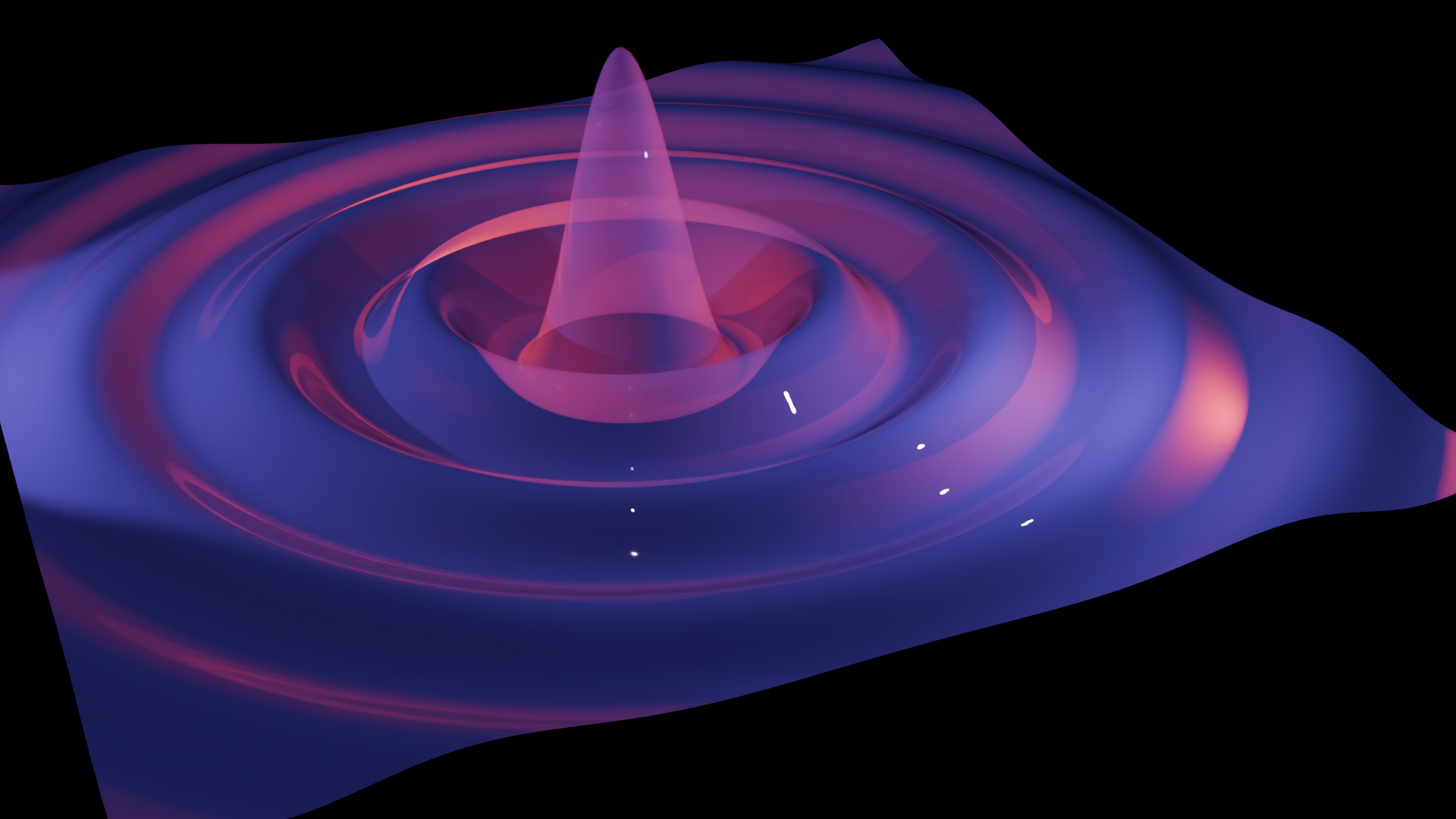
The following script creates a surface from a grid by computing
z = sin(d)/d where d=sqrt(x^2 + y^2) is the vertex distance to the center.
from geonodes import *

# Create the Geometry Nodes named "Hello World"

with GeoNodes("Hello World"):

    height = 3
    omega  = 2

    # The surface is basically a grid 20 x 20 with a resolution 200 x 200
    grid = Mesh.Grid(vertices_x=200, vertices_y=200, size_x=20, size_y=20)


    # z is computed using gnmath library and operators as in pure python
    with Layout("Computing the wave"):
        pos = nd.position
        distance = gnmath.sqrt(pos.x**2 + pos.y**2)
        z = height*gnmath.sin(distance*omega)/distance

    # Let's change the z coordinate of our vertices
    with Layout("Point offset and smoothness"):
        grid.offset = (0, 0, z)
        grid.faces.smooth = True

    # We are done: plugging the deformed grid as the modified geometry
    grid.out()
The generated nodes are shown below: